A quieter bar that does more when you ask.
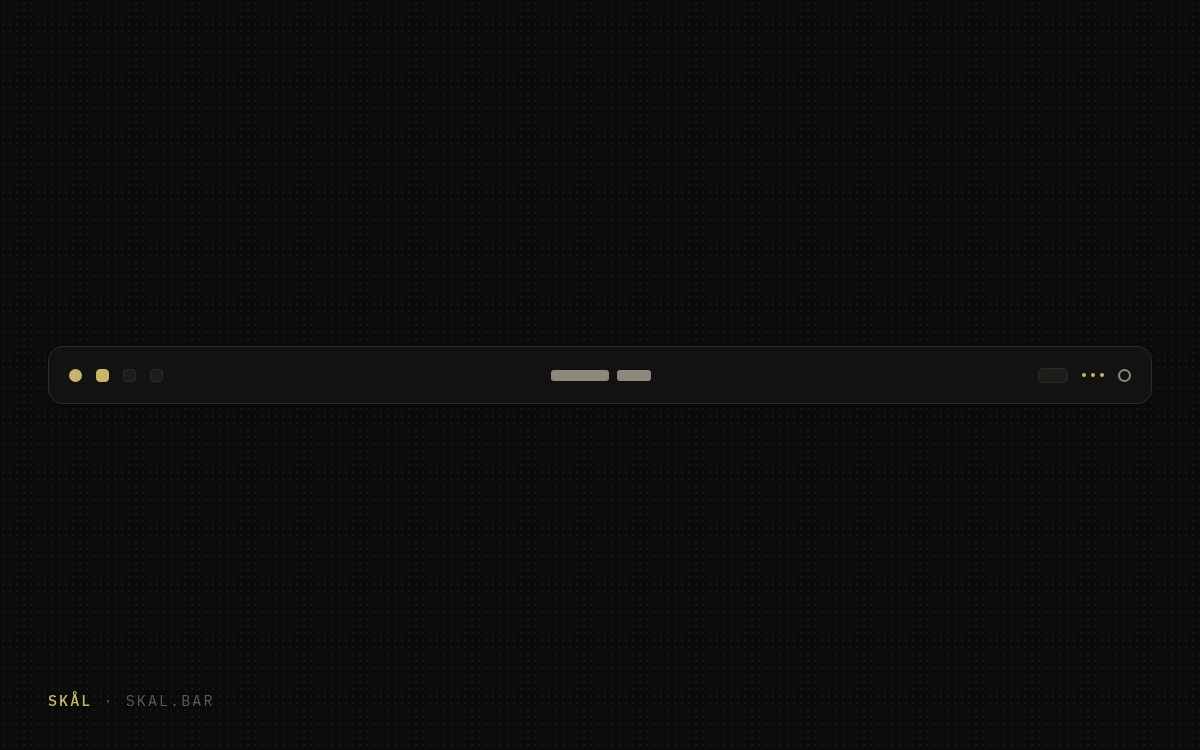
We love the stripped-down feel of the default Omarchy bar: a thin strip that stays out of the way. We just kept running into its limits, so we built the bar we wanted on top of it. Same minimal strip, now with drawers.
- Version 1.0.0
- License MIT
- Kind bar · panel · widget
Why it stays installed.
Drawers
Widgets tuck away, then reappear the moment you ask
Every section is a Bartender strip: widgets hide behind a reveal indicator, a chevron or dots, and slide out on hover or click. Per-region reveal modes, your own glyphs, and the indicator crossfades to an × while the drawer is open.
hiddenRevealByRegion: { "center": "click" }
Appearance
Float it, round it, tint it, or make it disappear
Height, float margin, corner radius, background color and opacity, widget gap, position on any edge. Double-click the blank center for instant transparency. All of it hot-reloads on save, and all of it has a GUI.
SUPER+ALT+B
Tray
A native tray with its own drawer
Real tray icons, pinned items, and item menus, with the chevron doubling as the reveal toggle. Pinned and hidden items persist in your config, so the tray comes back the way you left it.
Quick actions
Left-click the logo: four tiles, no menus
A compact 2×2 panel anchored to the logo: silence notifications, night light, stay awake, dictation. Keyboard-navigable, every toggle announces its new state on screen, and right-click still opens the regular Omarchy menu.
Silence · Night light · Stay awake · Dictation
Settings GUI
Zero JSON required
Arrange widgets visually, tune appearance with sliders, browse for an SVG logo with the OS file picker. Everything the GUI does lands in shell.json and hot-applies; everything you can reach in the GUI you can also type.
Good manners
A polite tenant
Runs inside omarchy-shell with nothing in /usr/share modified. Window tops track the bar geometry and your Hyprland gaps automatically, so floating or moving the bar never leaves apps sliding under it.
Two commands and a keybind
$ omarchy plugin add https://github.com/outcrop-labs/skal-bar.git --enable --yes
$ omarchy bar use skal.bar
Settings open with SUPER+ALT+B or a right-click on blank bar space; an optional keybind for it lives in the README.
The binds we run
- SUPER+ ALT+ B Bar settings
omarchy-shell shell toggle skal.bar - SUPER+ ALT+ Q Quick actions
omarchy-shell -q skal.bar.controls toggle - SUPER+ F1 Silence notifications
omarchy toggle notification silencing - SUPER+ F2 Night light
omarchy toggle nightlight - SUPER+ F3 Stay awake
omarchy toggle idle - SUPER+ F4 Dictation
omarchy-shell -q skal.bar.controls dictation
Binds live in ~/.config/hypr/bindings.lua and hot-apply on save. Two gotchas from the field: stay awake wants the bare toggle (the stay-awake form is one-way), and on keyboards whose F-row defaults to media keys, hold Fn or flip Fn-lock.
Contribute
Issues welcome. PRs welcome.
Every plugin here started as an itch, and yours count too. Something broken, or a drawer you wish existed? Open an issue and tell us how you work; enough thumbs on an itch makes us scratch it. It's all MIT, so a PR is the fastest way to make the bar yours. We read everything.
Also in the family
skål menu
The launcher, with math in the search box.
Your Omarchy launcher, cloned and upgraded: type 2+2 or 5 km to mi and the answer is the first row. Flatpak apps finally show up, every query ends with a web search, and the rest of the menu is stock.
skål swap
Every Claude Code key, one click from the bar.
Swap the model behind Claude Code from your Omarchy bar: keys, endpoints, and whatever models each provider actually serves, with usage bars that tell you which plan you are closest to torching.
skål title
The focused window's title, right in the bar.
A tiny widget that shows the title of the window you are in. Long titles elide at a width you set, and when there is nothing to show the widget disappears until there is.